Consider Moving to Gmail Before the Yahoo Transition
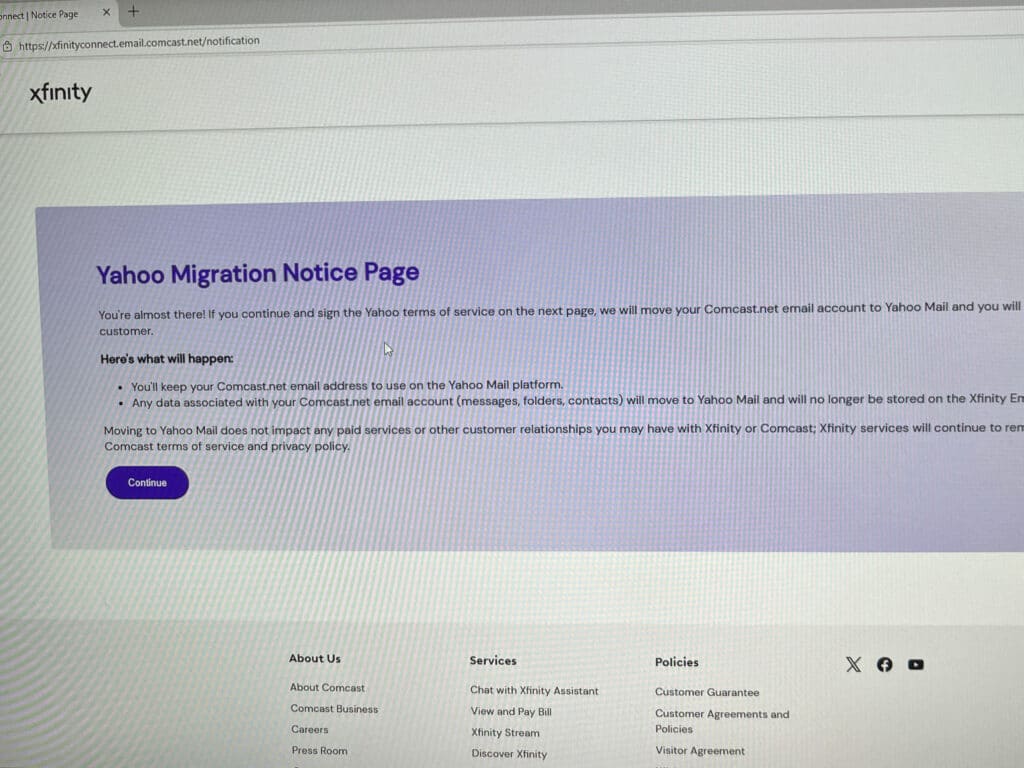
If you’re a Comcast email user, you’ve probably heard the news: Comcast is outsourcing its email platform to Yahoo. While this might sound like a minor change, it could significantly impact your email experience—and not necessarily for the better. Here’s why you should start thinking about switching to Gmail now.
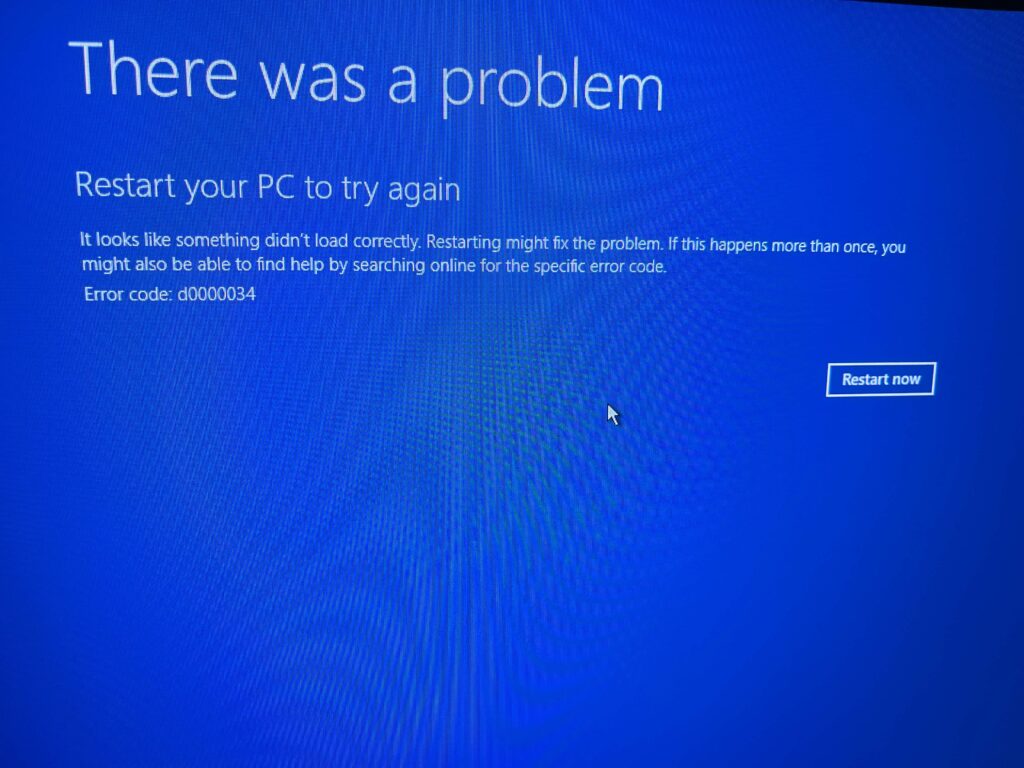
It’s fair to say that Comcast has some interesting quirks the average user would not know about. Fortunately, being a tech, I am able to find those and get your Cocast email working again. But yes, it is time to move to Gmail.
The Comcast to Yahoo Transition: What You Need to Know
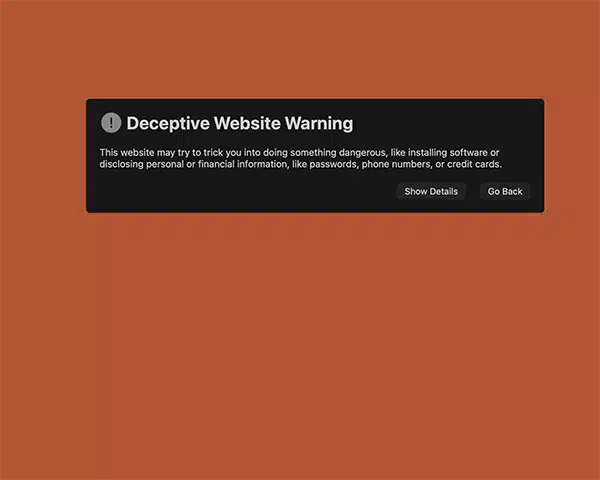
Comcast has historically handled its own email platform, but this transition means Yahoo will now manage your email account. While Yahoo is a well-known provider, users have reported issues with reliability, spam filtering, and account management. These problems can cause missed messages, lost emails, and frustration for people who rely on email for work, personal communication, or online accounts.
Why Gmail is the Better Choice
I’ve used Gmail since 2008. It is an excellent platform. Gmail has emerged as the gold standard for email for several reasons:
- Reliability: Gmail rarely experiences downtime, so you can trust your email will always be available.
- Spam and Security: Gmail has superior spam filtering, phishing detection, and built-in security features compared to Yahoo.
- Ease of Use: With a clean interface and seamless integration with Google’s ecosystem, Gmail makes managing emails, calendars, and contacts simple.
- Migration Tools: Google provides tools to import your old emails and contacts, making it easier to transition from Comcast or Yahoo without losing important data.
How to Make the Switch
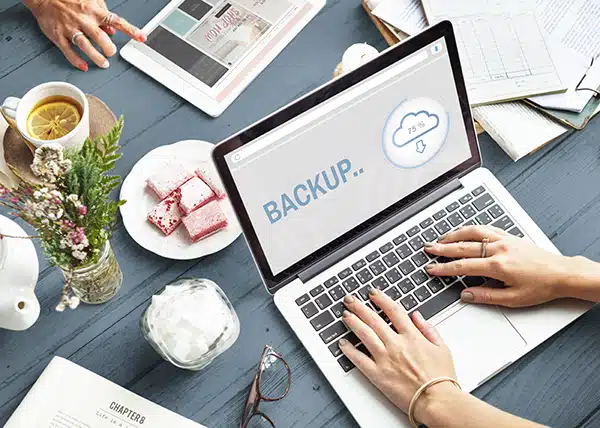
- Backup Your Current Emails: Save important messages from your Comcast account before the transition.
- Create a Gmail Account: Sign up for a Gmail account if you don’t already have one.
- Add Gmail to Outlook: Keep Comcast but respond with Gmail.
- Update Your Accounts: Update subscriptions, banking, and personal accounts with your new Gmail address to ensure you don’t miss important messages.
Don’t Wait Until It’s Too Late
The Comcast-to-Yahoo migration may not be smooth for everyone. Switching to Gmail now can save you headaches, lost emails, and unnecessary stress later. Whether you rely on email for work or personal communication, Gmail gives you a more reliable, secure, and user-friendly platform.
We serve all of the Snoqualmie Valley, including North Bend, Snoqualmie, Issaquah, Fall City and then we’re all reaching. We are also reaching out and serving Sammamish.