
Why Backing Up Your Data is Essential
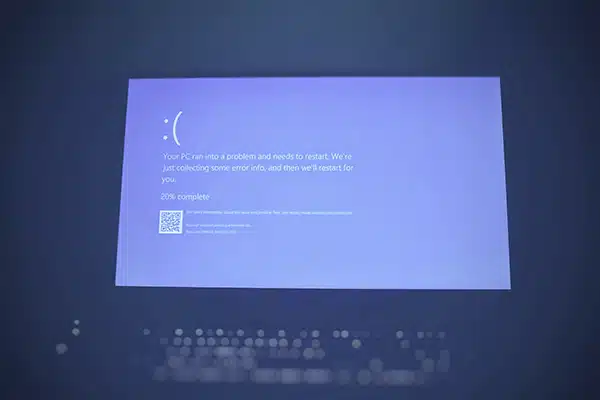
We live in a world where our computers hold almost everything—photos, documents, work projects, personal files, and more. Losing this data can be devastating, whether it’s due to accidental deletion, a hard drive failure, theft, or even natural disasters.
Many people rely on external hard drives for backup, and that’s a good start. But an external drive has its limitations: it can fail, get lost, stolen, or damaged in events like fire or flood. That’s why off-site cloud backup is so important. It ensures that even if something happens to your computer or local storage, your data is safe and recoverable.
I’ve learned this firsthand, and my experience led me to use a service I recommend: Backblaze.
My Personal Experience with Backblaze
Several years ago, I was transitioning between Macs, back when you could remove the SSD. I was handling my drive carefully, but in a moment of clumsiness, I dropped it. The SSD was completely dead.
At first, I panicked. All of my files were on that drive—photos, important documents, projects I’d been working on for months. Losing it all seemed inevitable.
Thankfully, I had been using Backblaze. I contacted their support team through their website, and they shipped me a hard drive containing a complete copy of all my data. Everything I thought was lost was restored, down to the last file.
It was a huge relief and a perfect example of why a cloud backup service is not just convenient—it’s essential.
How Backblaze Works
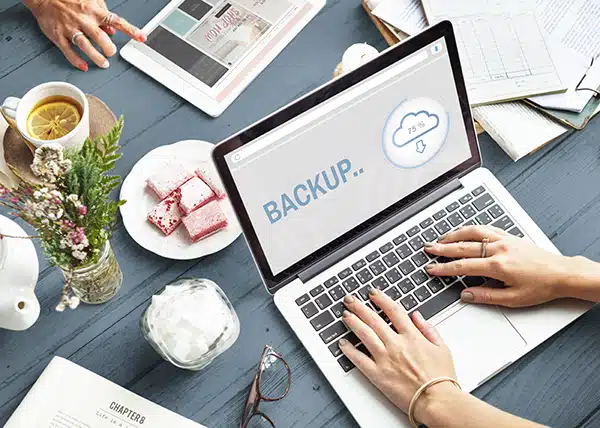
Backblaze is a cloud backup service that runs quietly in the background on your computer. Once installed, it continuously backs up all of your files, automatically and without you needing to think about it.
Here are the key features:
- Automatic Backup: Once installed, Backblaze backs up files as you create or change them. No manual effort required.
- Unlimited Storage: Unlike some services that restrict the amount of data you can back up, Backblaze offers unlimited storage for a flat monthly fee.
- Restore Anywhere: If your computer crashes or you lose your files, you can restore them from any other computer via the internet—or receive a hard drive in the mail.
- Version History: Backblaze keeps old versions of files for 30 days (and longer with an extended version history option), which can be a lifesaver if you accidentally overwrite something.
- Laptop Tracking: If your laptop is lost or stolen, Backblaze can help you locate it using the last known IP address, giving you an added layer of security.
Need help implementing a Tech Tip?
Call Gary 303.514.4632, Schedule Appointment, or email gary@g2computercare.com
Real-Life Scenarios Where Backblaze Saves the Day
Backblaze isn’t just for tech accidents at home. It’s also invaluable for people who travel frequently. For example:
- One story on their website tells of a traveler whose laptop was stolen while they slept on a plane. Thanks to Backblaze, they were able to recover all their data, even if the device itself was lost.
- If your computer is damaged due to a flood, fire, or even a coffee spill, Backblaze ensures your files are safe in the cloud.
Even if you think “it won’t happen to me,” these scenarios happen more often than you might realize. Having a cloud backup is like insurance for your digital life.
Why I Recommend Backblaze
There are many cloud backup options out there, but here’s why I stick with Backblaze:
- Simplicity: The app runs quietly in the background. Once it’s set up, it just works.
- Reliability: I’ve personally tested it by losing a drive, and it delivered 100% of my data.
- Affordability: Backblaze’s pricing is reasonable, especially considering the unlimited storage and peace of mind it provides.
- Customer Support: Their support team is responsive and helpful, even in urgent situations.
It’s the combination of ease-of-use, reliability, and real-world proof that makes Backblaze my top recommendation.
Tips for Using Backblaze Effectively
- Install it on all your devices: If you have a desktop and a laptop, make sure both are backed up.
- Check your backup status regularly: While Backblaze is automatic, it’s good practice to occasionally verify that your latest files are backed up.
- Enable extended version history if needed: For projects where you make frequent changes, this ensures older versions are available for recovery.
- Keep a local backup as well: While Backblaze is great, combining cloud and local backups gives you the ultimate protection.
Comparison to Other Backup Options
Some people use iCloud, Google Drive, or Dropbox for backup. These services are great for syncing files, but they aren’t full system backups. You might have your documents synced, but what about your photos, videos, application data, or other files?
Backblaze backs up everything on your computer, not just select folders. It’s designed specifically as a comprehensive backup solution, not just file syncing.
FAQ About Backblaze
Is Backblaze secure?
Yes. All data is encrypted both during transfer and while stored in their data centers. Only you have the key to decrypt your files.
How fast is recovery?
You can restore files over the internet or request a physical USB or hard drive shipped to you. The drive is encrypted and ready to restore your data quickly.
Does it slow down my computer?
Not noticeably. Backblaze runs quietly in the background, using minimal resources.
Final Thoughts
Backups are something most people procrastinate on until it’s too late. I’ve been there—I thought losing my SSD would mean losing everything. Thanks to Backblaze, I recovered all my data with ease.
Whether you’re a casual user, a professional, or a frequent traveler, Backblaze provides peace of mind. It’s automatic, affordable, and reliable. In my experience, it’s one of the best investments you can make to protect your digital life.
Don’t wait until it’s too late—set up Backblaze today and safeguard your files. We offer on-site and remote support for Issaquah and Snoqualmie.
Contact G2 Computer Care Today!